Photorealism
Street Food Celebration
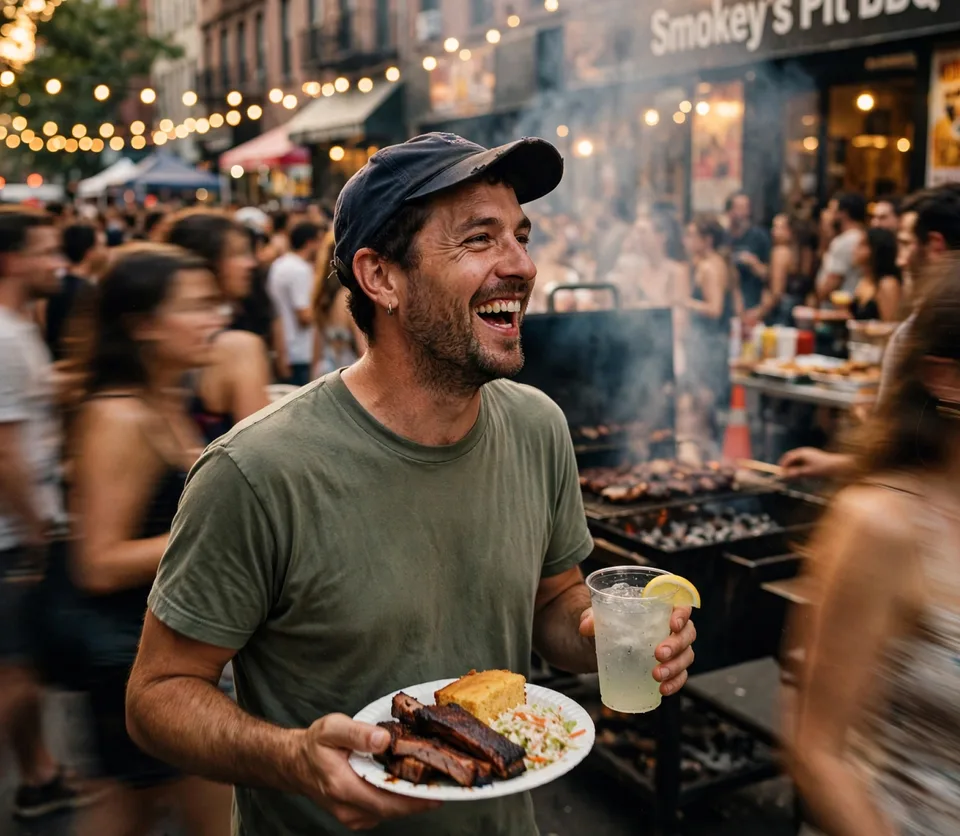
A candid street-food festival portrait, joyful subject holding a barbecue plate and drink, warm string lights, lively crowd motion, natural skin detail, and cinematic documentary photography.
Create images from text, edit photos with natural-language prompts, combine reference images, and build product, ad, or social visuals in the independent Muse Images workspace.

A portrait prompt becomes a sharp vertical image with holographic equations, neon color, and editorial face detail.
Use this prompt
Transform a face or product reference while preserving the main subject and upgrading texture, lighting, and mood.
Use this prompt
Generate consistent character visuals with controlled palette, expressive styling, and polished social framing.
Use this prompt
Restyle a portrait into a campaign-ready look with flowers, painterly polish, and bold identity.
Use this prompt
Convert a visual into elegant ink art with negative space, paper texture, and restrained black brush detail.
Use this prompt
Independent AI image generator and editor
Write a prompt, upload a reference image, refine style and text, then generate a polished AI image for ads, product pages, thumbnails, or social content.
Create images from text, edit photos with natural-language prompts, combine reference images, and build product, ad, or social visuals in the independent Muse Images workspace.
 Muse Images
 Nano Banana Pro
 Seedream
 Flux
Flux GPT ImageVeo
Start editing with
Popular AI Image Tools
Choose a focused workspace for text-to-image, photo editing, background changes, object cleanup, and sharper export-ready images.

Create images from text prompts for ads, product visuals, posters, thumbnails, and social campaigns.

Edit photos with prompts while preserving the subject, composition, and brand direction.

Improve detail, lighting, color, and clarity before publishing or exporting assets.

Replace product, portrait, or lifestyle backgrounds with clean commercial scenes.

Remove distracting objects and clean up images for polished campaign visuals.

Enhance edited or generated images for sharper 4K-style downloads and production-ready assets.
Image Showcase
Copy a detailed prompt for a product photo, poster, portrait, consistent character, or social ad, then adapt it inside the Muse Images generator.
A candid street-food festival portrait, joyful subject holding a barbecue plate and drink, warm string lights, lively crowd motion, natural skin detail, and cinematic documentary photography.
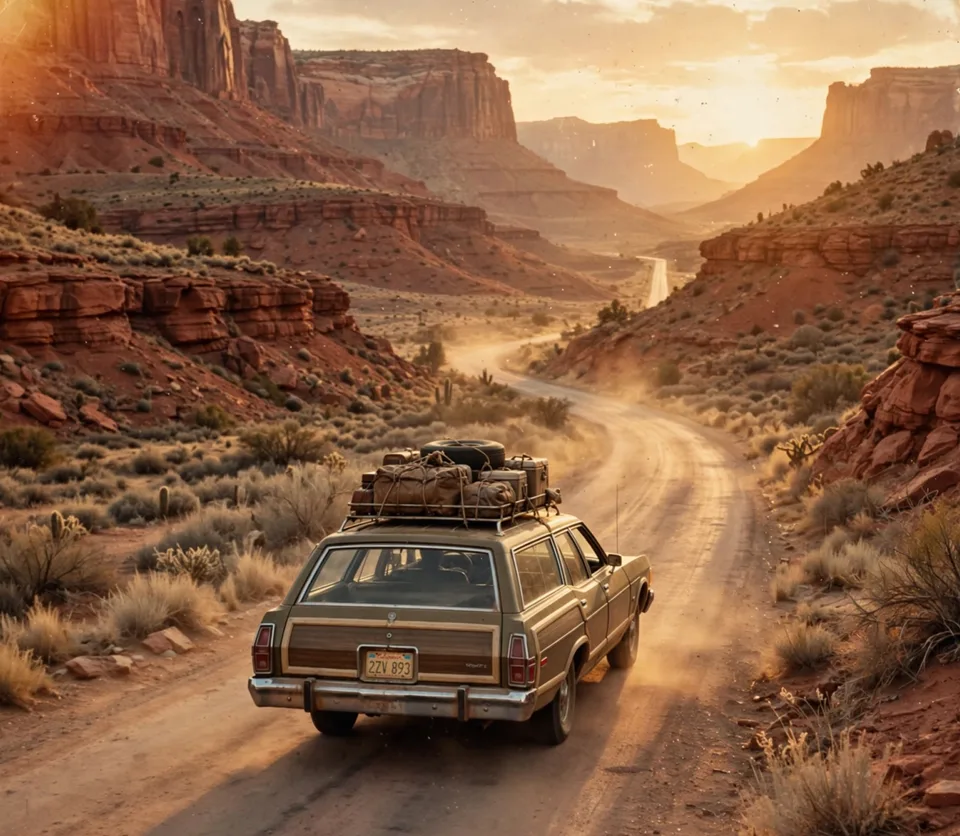
A vintage station wagon driving through a vast red-rock canyon at golden hour, dusty winding road, warm cinematic sunlight, expansive landscape, and detailed travel photography.
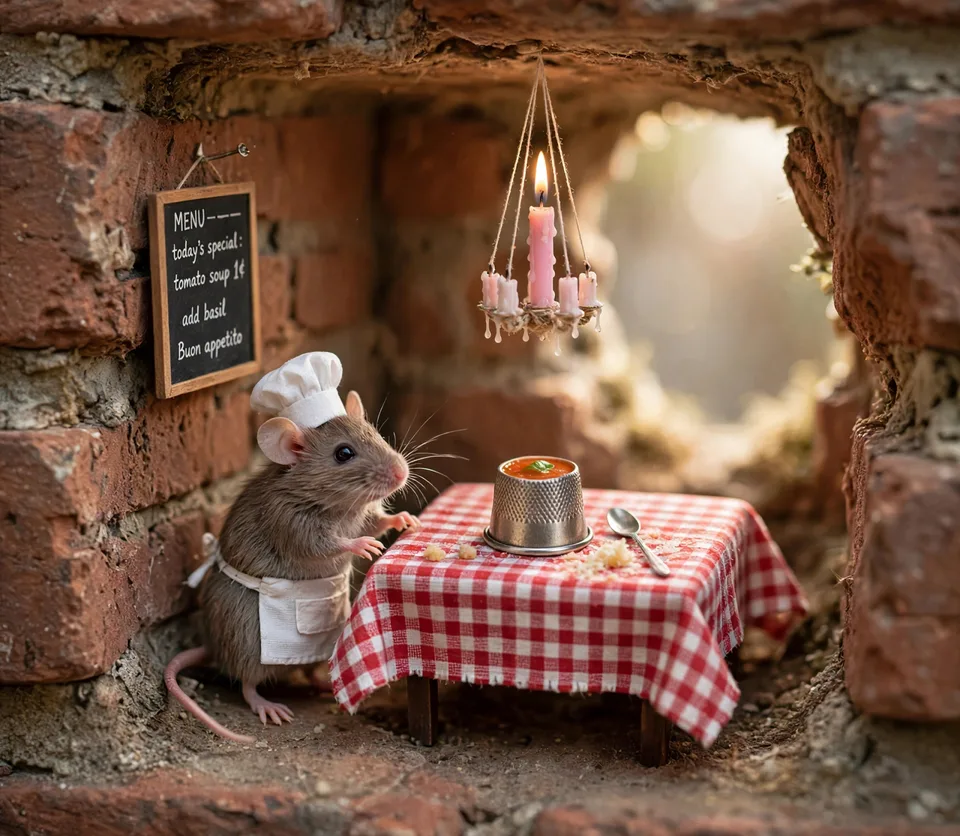
A whimsical miniature bistro inside a brick wall, a tiny mouse chef beside a checkered table, handmade food details, soft window light, and charming photorealistic storytelling.
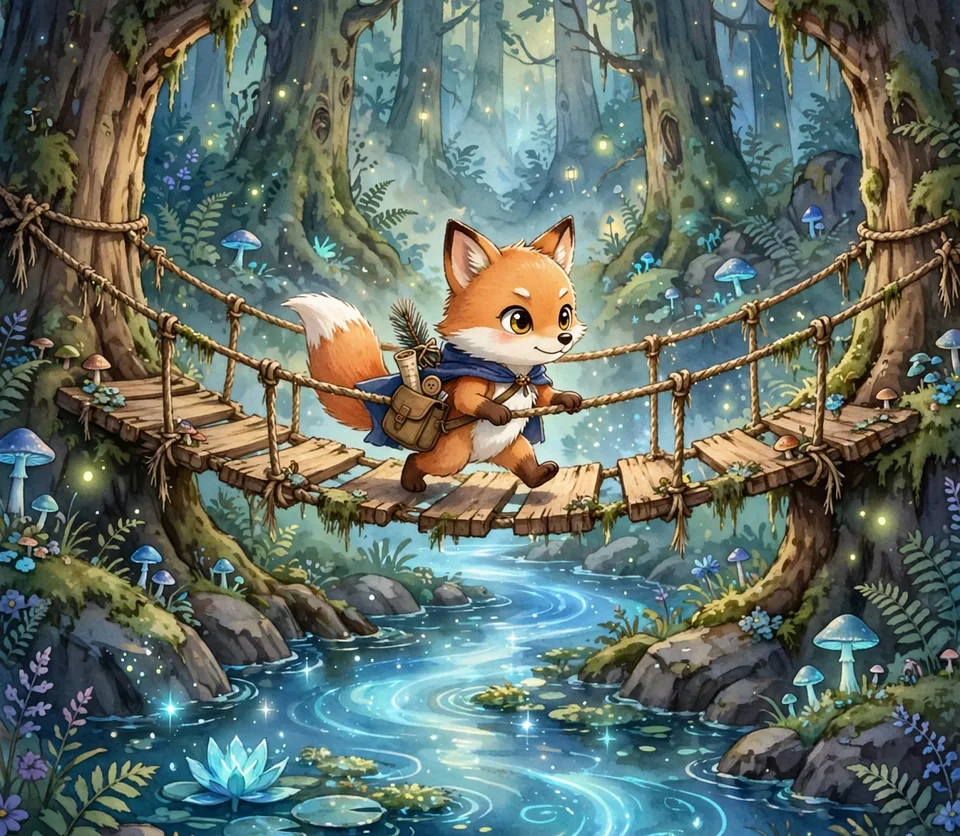
A charming illustrated fox adventurer crossing a rope bridge in an enchanted forest, glowing mushrooms, sparkling water, rich storybook detail, and warm cinematic light.
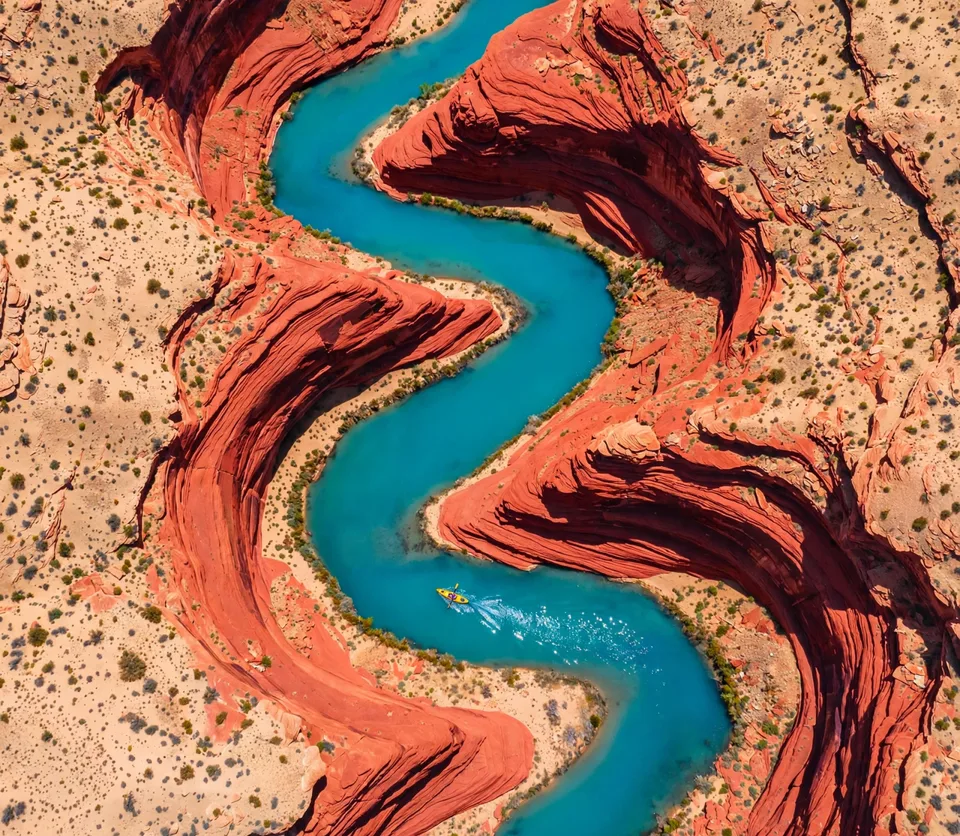
A top-down aerial view of a vivid turquoise river winding through sculpted red sandstone, bold natural curves, crisp textures, and striking editorial color contrast.

Build a complete campaign scene around a subject with intentional background, believable shadows, clean framing, and social-ad polish.

Use a character reference to keep identity and style consistent while changing lighting, outfit, background, and composition for a new visual.
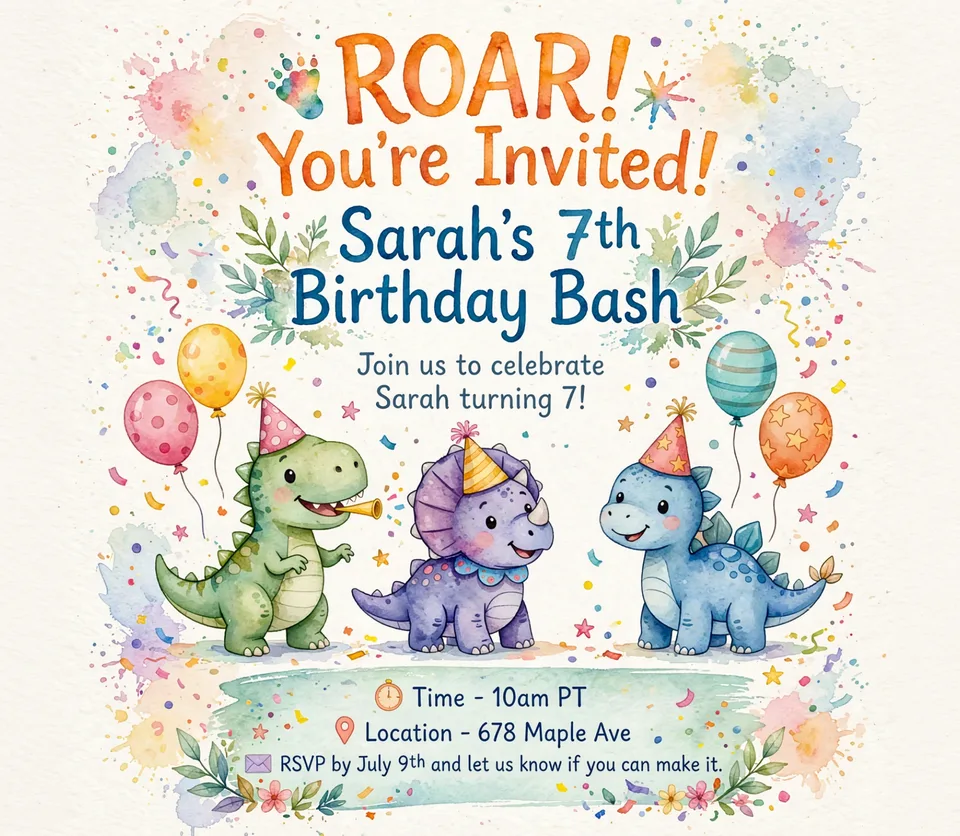
Create a cheerful watercolor dinosaur birthday invitation with playful hand-lettered typography, clear event details, pastel balloons, confetti, and a clean print-ready layout.
Spotlight Images
Four practical image workflows: restyle a reference, build product visuals, create social content, and turn images into motion-ready concepts.

Upload a reference and restyle it into editorial, anime, illustration, fantasy, product, or campaign-ready directions.
Create polished commercial scenes with believable materials, clean backgrounds, and strong detail for ecommerce or ads.

Generate scroll-ready vertical visuals for posts, thumbnails, stories, creators, and paid social experiments.

Start with a strong generated image, then turn it into a short motion concept when a campaign needs movement.
What You Can Make
Generate images from text, edit reference photos, preserve products or characters, and export polished visuals for ecommerce, advertising, and social media.

Write a detailed image prompt, choose an aspect ratio and quality level, and generate a polished visual with intentional composition, style, and lighting.

Use a reference image to keep the product, person, room, or art direction recognizable while changing style, background, angle, or mood.

Credit-based generation keeps experiments affordable, from free trials and quick drafts to polished campaign-ready PNG and JPG assets.

See format, resolution, aspect ratio, and credit usage before generation so teams can plan reliable AI image production.
Image Workspace
Move from prompt to reference edit, style transfer, background change, text placement, and export without piecing together separate tools.
Describe subject, composition, lighting, style, text, and quality to guide the final image.
Upload a reference image and preserve the important details while changing background, mood, style, or layout.
Draft quickly, then move up to higher-quality outputs for publishable assets.
Draft multiple visual directions quickly, then move up to higher-quality outputs for publishable assets.
Landscape, vertical, square, and classic image ratios for every channel.
Download generated AI images for ads, product pages, launch campaigns, thumbnails, and social channels.
Use Cases
Create launch visuals, product shots, ad concepts, posters, thumbnails, and consistent brand assets without scheduling another shoot.
Turn a product idea into an Muse Images hero image for release day.
Generate multiple Muse Images ad visuals, test winners, and refine the best one.
Show features, packaging, and use cases with Muse Images images people remember.
Reuse prompt structures and reference images to keep campaigns visually coherent.
Refresh product visuals for new campaigns without booking another shoot.
Draft narrative visuals that feel human-led and move at creator speed.
FAQs
Answers about Muse Images, text-to-image generation, AI photo editing, reference images, credits, commercial use, and output quality.
Write a prompt, upload a reference image, refine style and text, then generate a polished AI image for ads, product pages, thumbnails, or social content.